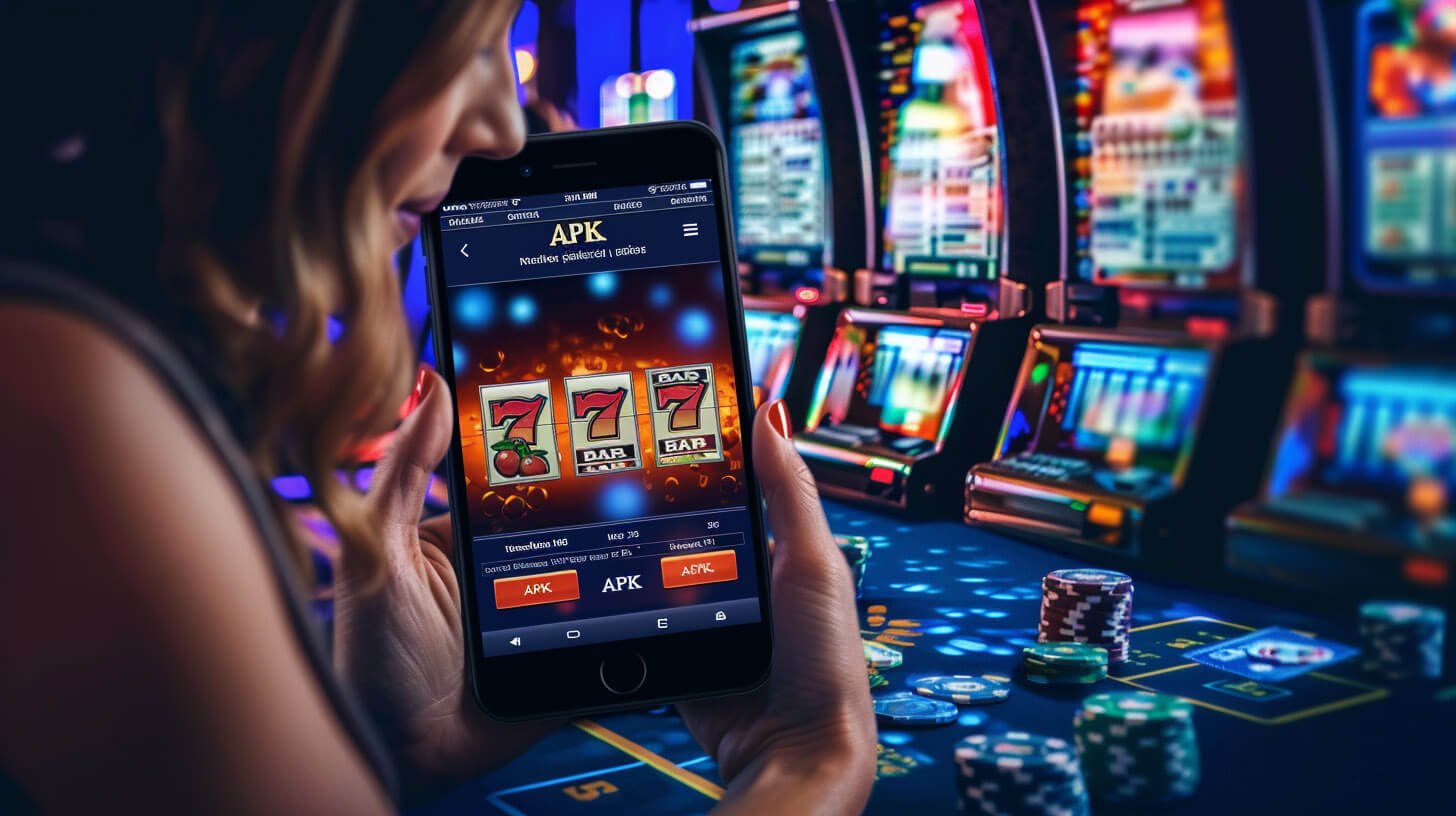
Download the official 777pln mobile app for Android or iOS and take your sports betting, live casino, slots, and eBingo experience everywhere you go across the Philippines.

For most players in the Philippines, the phone is the primary device for everything — banking, social media, entertainment, and yes, online gaming. The 777pln app was built with that reality in mind. It is not a stripped-down mobile version of a desktop site. It is a fully featured app designed from the ground up to work well on a smartphone screen, on local mobile data, and for the way Filipino players actually use their devices throughout the day.
Whether you are in Manila catching a PBA game on the side while betting on it live, or relaxing in Cebu with a few rounds of slots after work, the 777pln app gives you immediate access to your account, your games, and your transaction history without the need to open a laptop or find a desktop browser.
The app supports both Android and iOS devices. Android users can download the APK directly, while iOS users follow a straightforward installation process. If you prefer not to install anything at all, the mobile browser version of 777pln is also fully optimised — but the dedicated app gives you a noticeably smoother experience, especially when using live casino tables or live betting markets.
Getting the 777pln app on your phone takes just a few minutes
Go to your phone's Settings, then Security or Privacy, and enable "Install from Unknown Sources" or "Allow APK installs." This is a standard Android setting required for apps installed outside the Play Store.
Tap the download button on this page to get the latest 777pln APK file. The download is fast and the file size is kept small to work well even on limited mobile data.
Open the downloaded file from your notifications or file manager and tap Install. The process takes under a minute and the app icon will appear on your home screen once complete.
Open the app, log in with your existing 777pln account, or complete the quick registration if you are new. Your account works across the app and browser — same credentials, same balance.
iOS app installation for 777pln works through Safari. Make sure you are using an updated version of iOS for the best compatibility and security.
Use the iOS install button on this page. You will be guided through the installation steps directly within Safari without needing to visit a third-party source.
Go to Settings > General > VPN & Device Management and trust the 777pln developer profile. This is a standard iOS step for apps installed outside the App Store.
Find the 777pln icon on your home screen and tap to open. Log in or register to get started. Everything syncs with your existing account instantly.
Choose how you want to play — all options give you full platform access
The native Android app gives you the smoothest performance on your phone. Push notifications, faster load times, and a layout built for touch screens make it the top choice for Android users across the Philippines.
Download AndroidiPhone and iPad users get a tailored experience through the 777pln iOS app. The interface adapts to all screen sizes and runs efficiently even on older iPhone models still widely used in the Philippines.
Download iOSNo installation needed. Open 777pln directly in Chrome, Safari, or any modern browser on your phone. The mobile site is fully optimised and gives you access to every feature without taking up storage space on your device.
Open in BrowserThe 777pln app is not just a portal to the website — it is a standalone experience built to match how Filipino players actually game on their phones. Here is a look at what is available the moment you log in.
| Detail | Specification |
|---|---|
| Supported OS | Android 6.0+ & iOS 13+ |
| Languages | English (Philippines) |
| Currency | PHP (Philippine Peso) |
| App Size | Lightweight, optimised for local data |
| Live Casino | HD streaming supported |
| Security | SSL + OTP + KYC verification |
| Push Notifications | Available on Android & iOS |
| Browser Alternative | Fully mobile-optimised site |
One of the most common frustrations with online gaming apps in the Philippines is poor performance on mobile data. Pages that take too long to load, live streams that buffer, or betting slips that fail to submit because of a brief network hiccup — these are real problems that affect the experience.
The 777pln app addresses this directly. The app architecture uses lightweight assets, efficient data calls, and adaptive streaming for live casino content. This means the live baccarat table you are watching can automatically adjust its video quality based on your current connection speed — so the stream keeps running smoothly whether you are on a strong LTE signal in Makati or a more variable connection in a provincial area.
For sports betting, the live odds feed is designed to update quickly and cleanly without requiring the full page to reload. You can watch odds change in real time and place your in-play bets without interruption, which matters especially during fast-paced games like basketball or boxing where the market moves quickly.
The app also caches key content locally so that navigating between sections — from your sports bet slip to the live casino lobby, for example — feels instant rather than requiring a fresh load every time.
Common questions about the 777pln app from Filipino players
Having the 777pln app on your phone makes gaming more convenient — but convenience also means it is easier to play more than you planned. It is worth setting clear personal limits before you start, just as you would with any form of entertainment that involves real money.
Create your free account and get the 777pln app on your Android or iOS device today.
Register Now Login to Your Account